Mastering Design with Canva’s Easy-to-Use Tools
In the realm of digital design, Canva stands out as a versatile and user-friendly platform that empowers individuals to create stunning visuals without the need for extensive design skills. Whether you’re a professional designer, a small business owner, a marketer, or someone looking to enhance their creative projects, mastering Canva opens up a world of possibilities. Let’s explore how you can harness the power of Canva’s easy-to-use tools to elevate your design capabilities.
Getting Started with Canva
- Creating an Account: Begin by signing up for a free Canva account. You can access Canva directly from your web browser or through the mobile app.
- Exploring the Interface: Take a tour of Canva’s intuitive interface. Familiarize yourself with the layout, including the sidebar with various design options and the main canvas area where you’ll work on your designs.
Understanding Canva’s Features
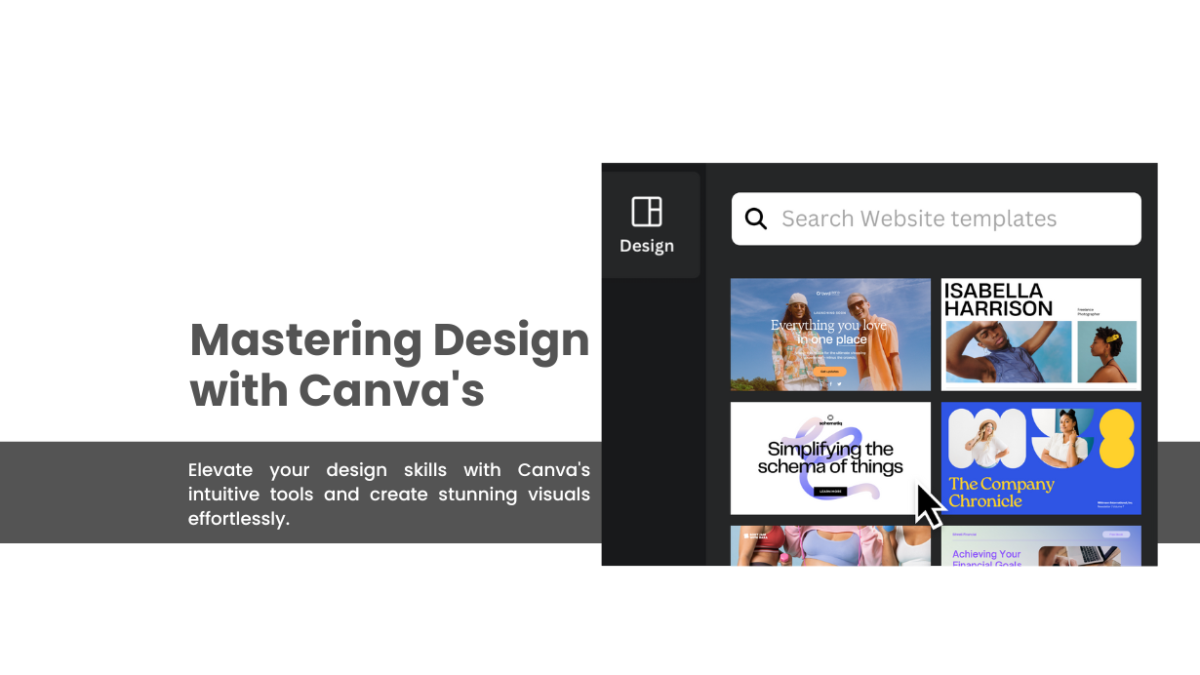
- Templates: Canva offers a vast library of templates for different design types such as social media posts, presentations, posters, flyers, invitations, and more. Browse through categories or use the search bar to find templates that match your needs.
- Elements and Graphics: Enhance your designs with elements like icons, illustrations, shapes, and stickers. Canva provides a diverse selection of graphics that you can easily drag and drop onto your canvas.
- Text and Typography: Experiment with text by adding headings, subheadings, body text, and captions. Customize fonts, sizes, colors, and styles to match your design aesthetic.
- Images and Backgrounds: Incorporate images into your designs by uploading your own photos or choosing from Canva’s extensive stock photo library. Adjust image positioning, transparency, and filters to achieve the desired look.
Advanced Design Techniques
- Customizing Templates: Personalize templates by modifying colors, fonts, and layout elements. Make each design your own while leveraging the foundation provided by Canva’s professionally crafted templates.
- Using Layers: Arrange elements using layers to control their stacking order. This feature allows you to overlap elements and create visually dynamic compositions.
- Applying Effects: Add depth and visual interest to your designs with effects like shadows, glows, and reflections. Experiment with these effects to enhance the overall appearance of your creations.
Tips for Design Excellence
- Maintain Consistency: Establish a cohesive visual identity by using consistent colors, fonts, and design elements across your projects.
- Embrace White Space: Don’t overcrowd your designs. Embrace white space to create a balanced and visually appealing layout.
- Seek Inspiration: Explore Canva’s Design School for tutorials, tips, and inspiration to expand your design skills and knowledge.